
.svg)
Planimetrics
Detailed site features extracted for precise mapping and analysis.
Planimetrics
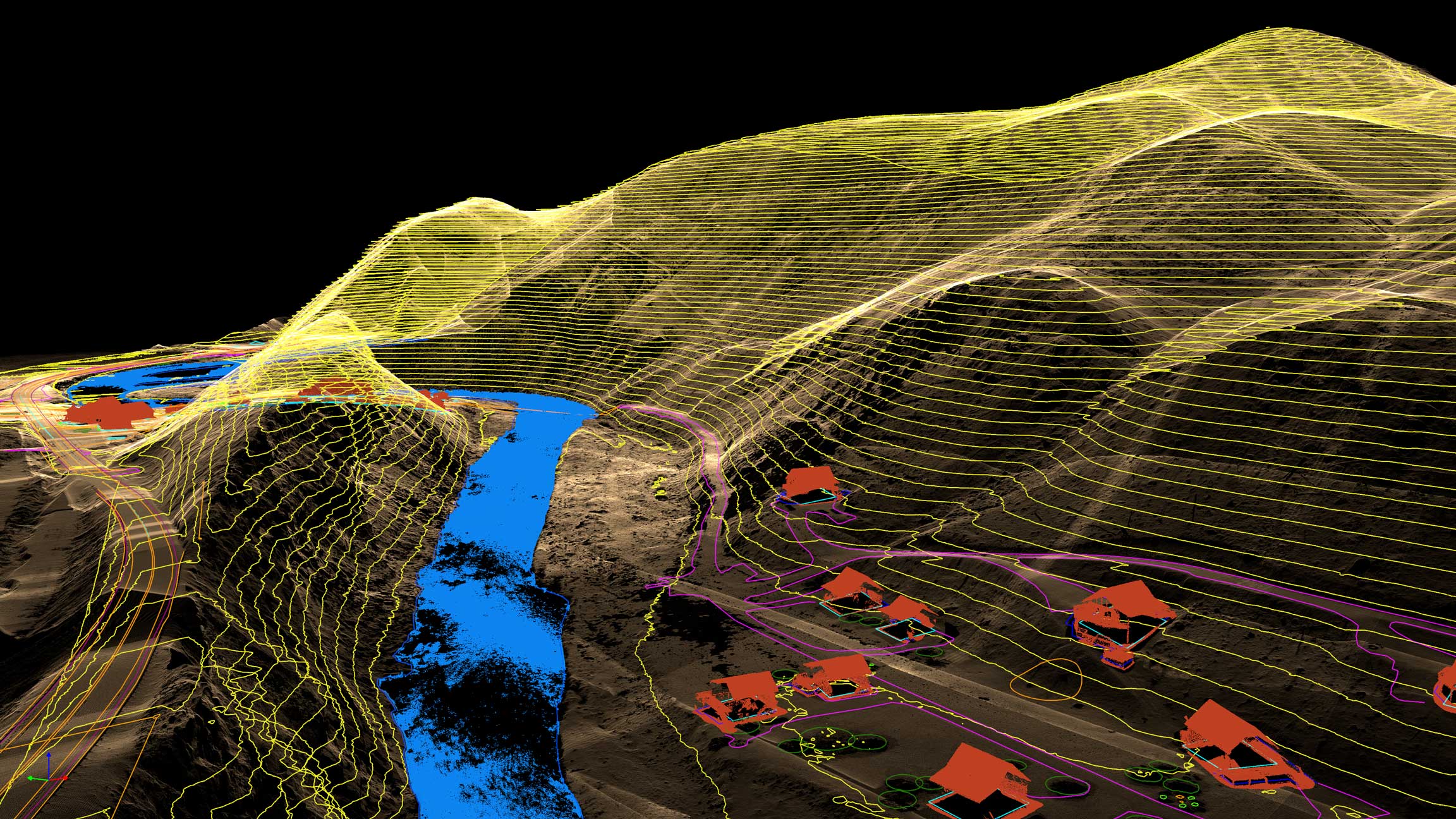
Planimetric mapping converts aerial imagery into vector linework that captures every visible site feature with precision. From roads and curbs to buildings and vegetation boundaries, each element is digitized and organized into clean, CAD-ready layers for accurate planning and design.
Talk to a Planimetric Specialist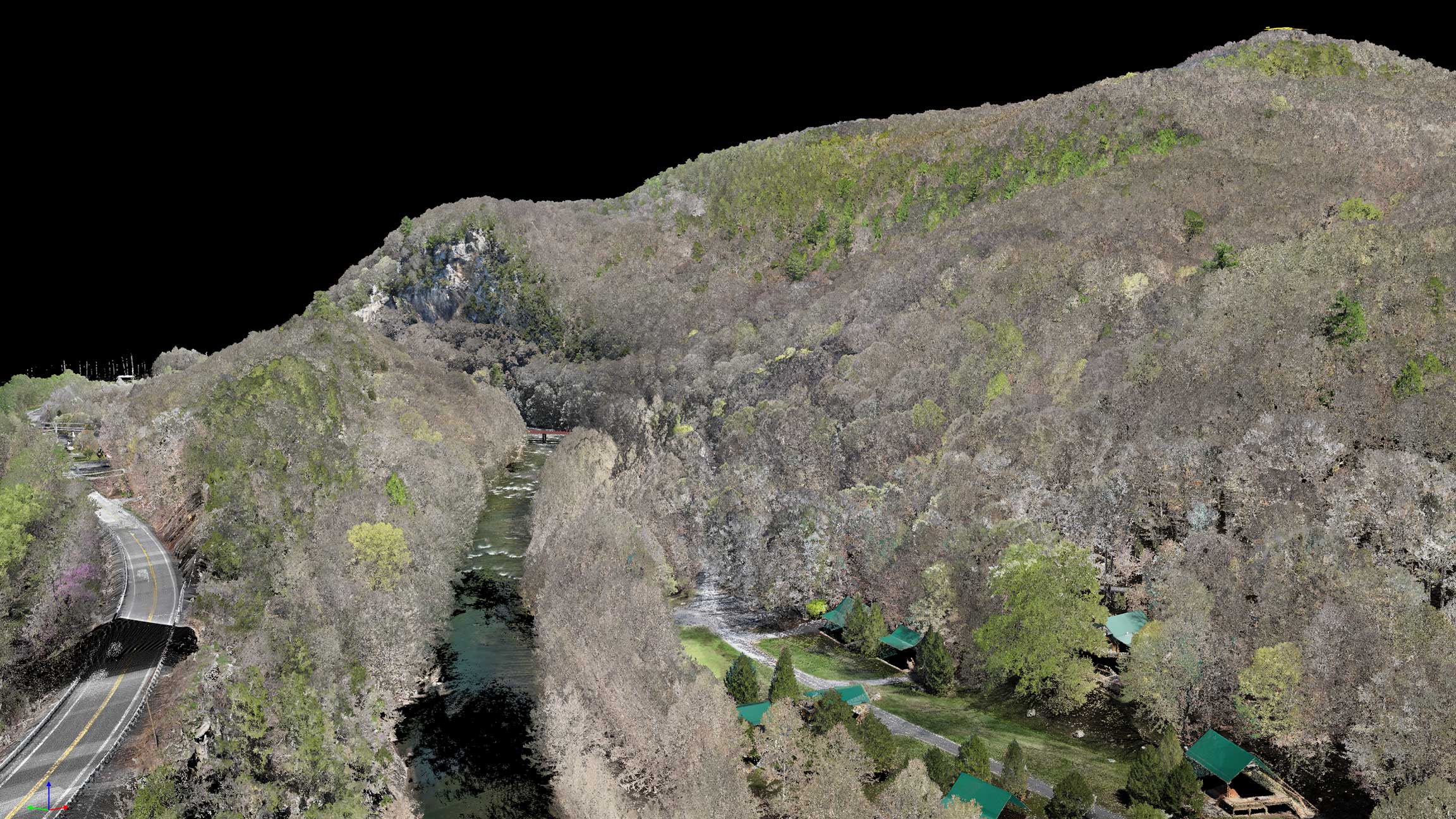
Why Planimetrics

Survey-Grade Feature Accuracy
Precisely mapped site features—including edges, curbs, structures, and visible utilities—captured and digitized to meet engineering and planning standards.

Clean, Organized Vector Data
Features are carefully classified and layered, reducing cleanup time and making it easy to isolate, edit, and analyze data within CAD and GIS software.

CAD & GIS-Ready Formats
Delivered in DWG and DXF formats (with GIS options available), aligned to your coordinate system for seamless integration into Civil 3D, ArcGIS, and MicroStation workflows.

Engineering-Ready Data
Use planimetrics to support site planning, infrastructure design, permitting, and as-built documentation with clear, reliable vector data.
How We Create Your Planimetrics
The mapping workflow that turns aerial imagery into clean, CAD-ready linework.

01
Step_01
Scope & Feature Definition
We align on exactly what you need mapped—edges of pavement, curbs, striping, utilities, buildings, drainage, vegetation limits, and any custom features. We also confirm scale, coordinate system, layers, and file format requirements.
02
Step_02
Data Capture & Control
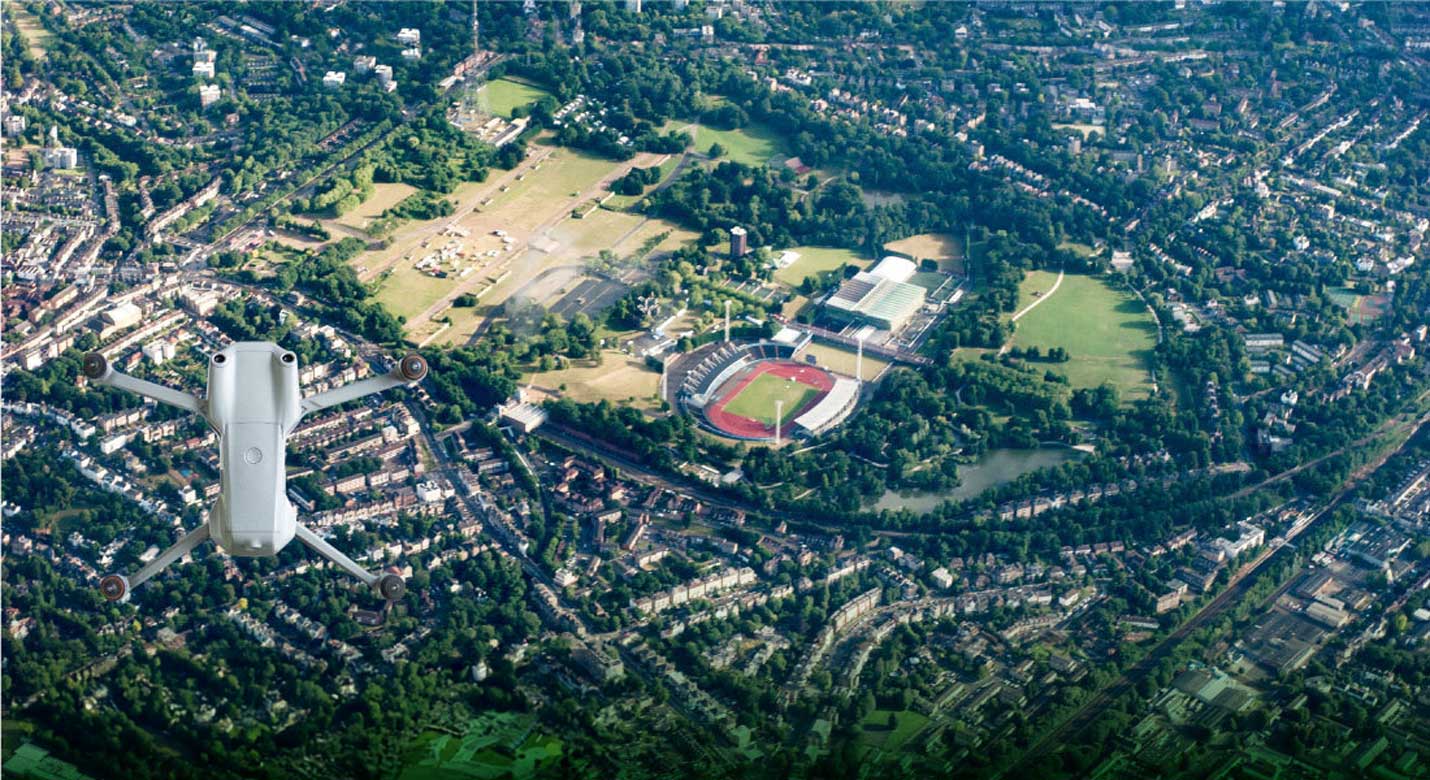
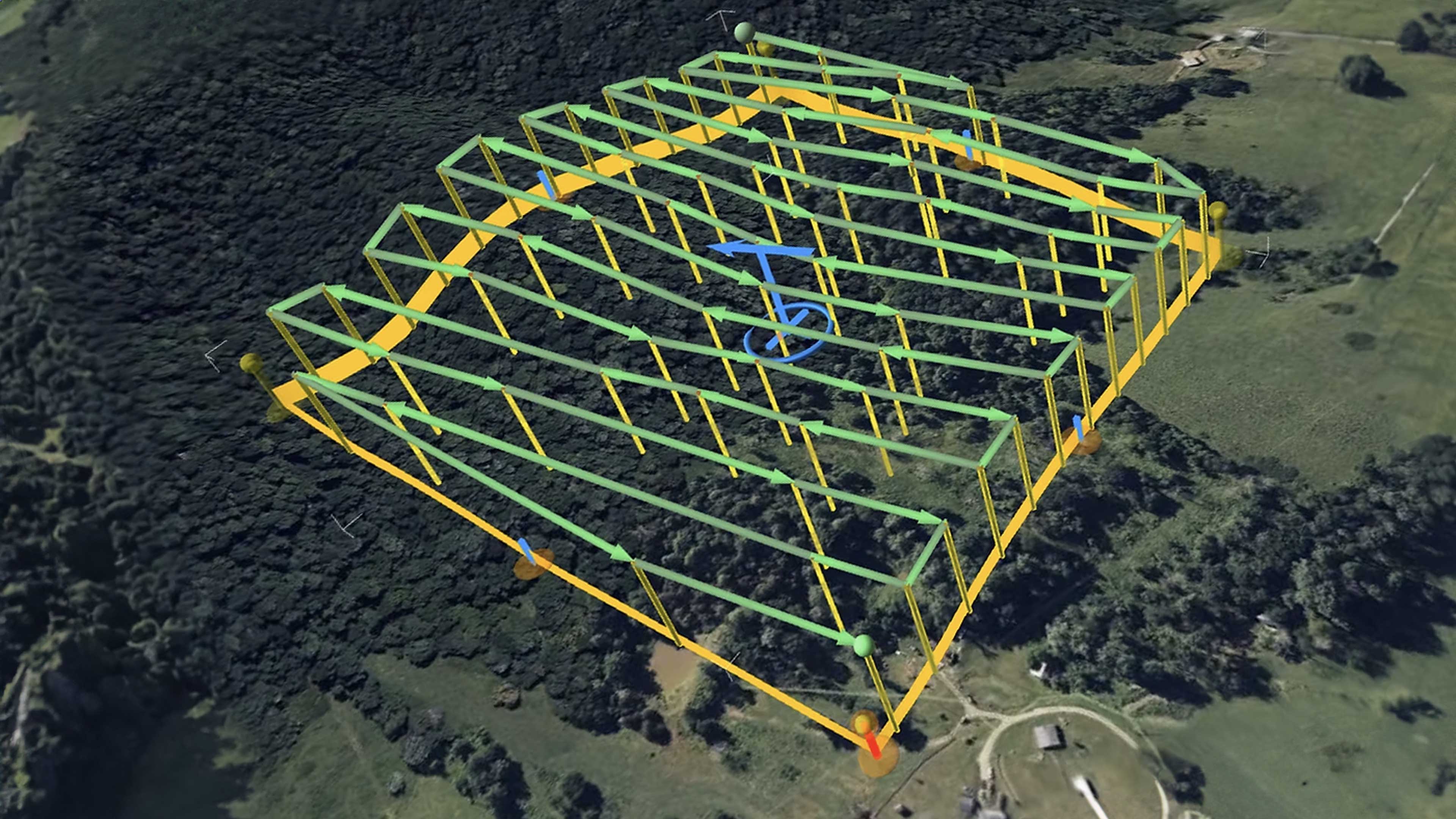
Our team captures high-resolution aerial imagery with consistent overlap and angles, then ties it to ground control or RTK/PPK positioning when required. This ensures your planimetric linework is built on accurate, georeferenced data.
03
Step_03
Digitization & Drafting
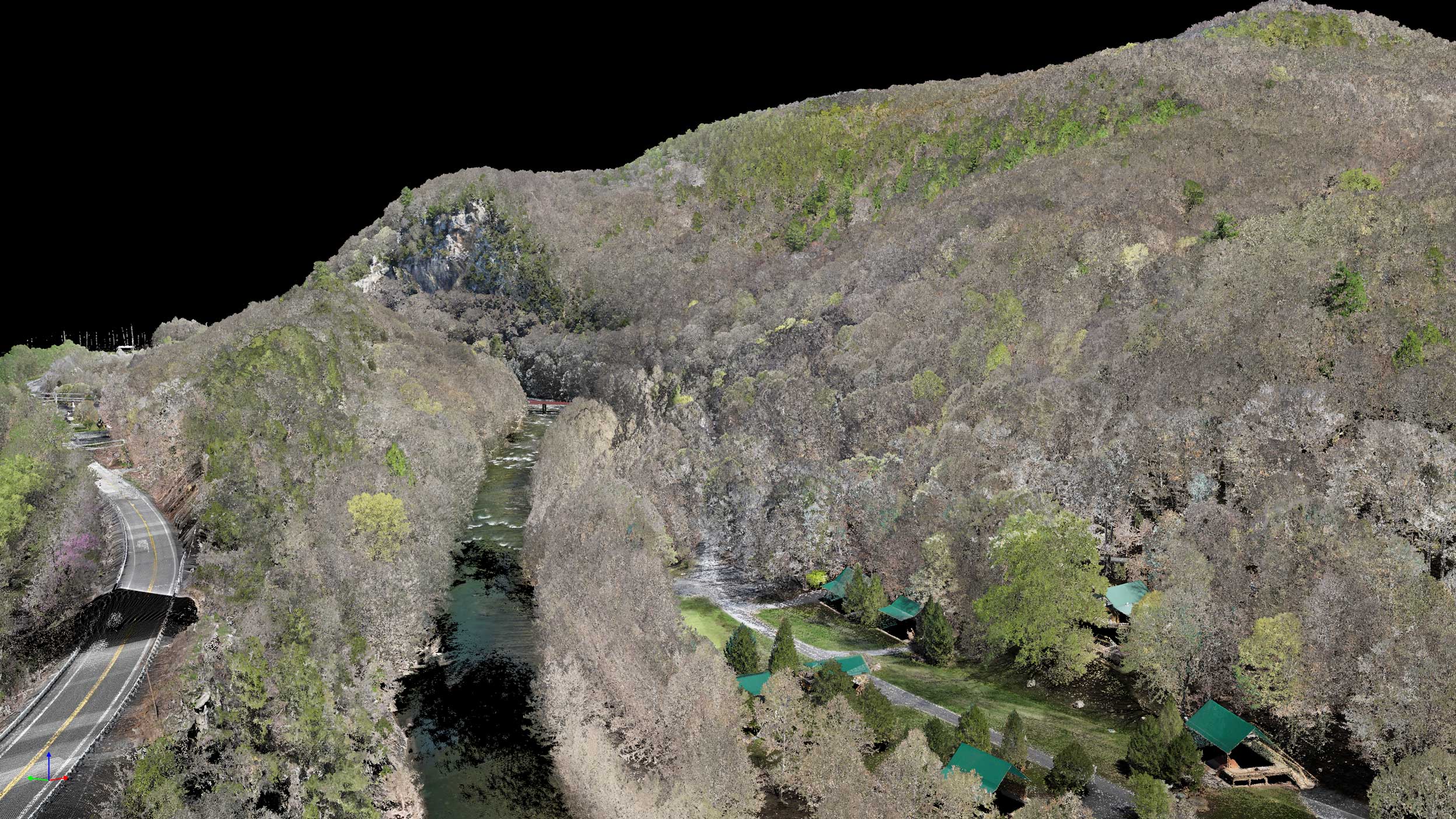
Using the processed orthomosaic and point cloud references, we extract features into clean vector linework—organized by layers, standardized line types, and project conventions. Every element is drafted for readability and direct use in CAD/GIS.
04
Step_04
QC, Layering & Delivery
We run a quality-control pass to confirm completeness, topology/line integrity, and correct classification of features. Deliverables are exported in your preferred formats (DWG/DXF/SHP/GeoPackage, etc.) and packaged with notes for seamless handoff.
IT STARTS NOW
Transform your ideas into results
Share your vision with us, and we’ll create the path to make it real.
ContactApplications
Planimetrics support design, documentation, and verification by translating visible site features into precise, CAD-ready vector data.
Accurate linework gives engineers, planners, and project teams a shared reference for layout, coordination, and confident decision-making.
Accurate linework gives engineers, planners, and project teams a shared reference for layout, coordination, and confident decision-making.

Site & Land Development Planning
Use planimetric data to understand existing conditions and support early-stage site layout, access planning, and feasibility studies with clean, readable vectors.
Civil & Infrastructure Design
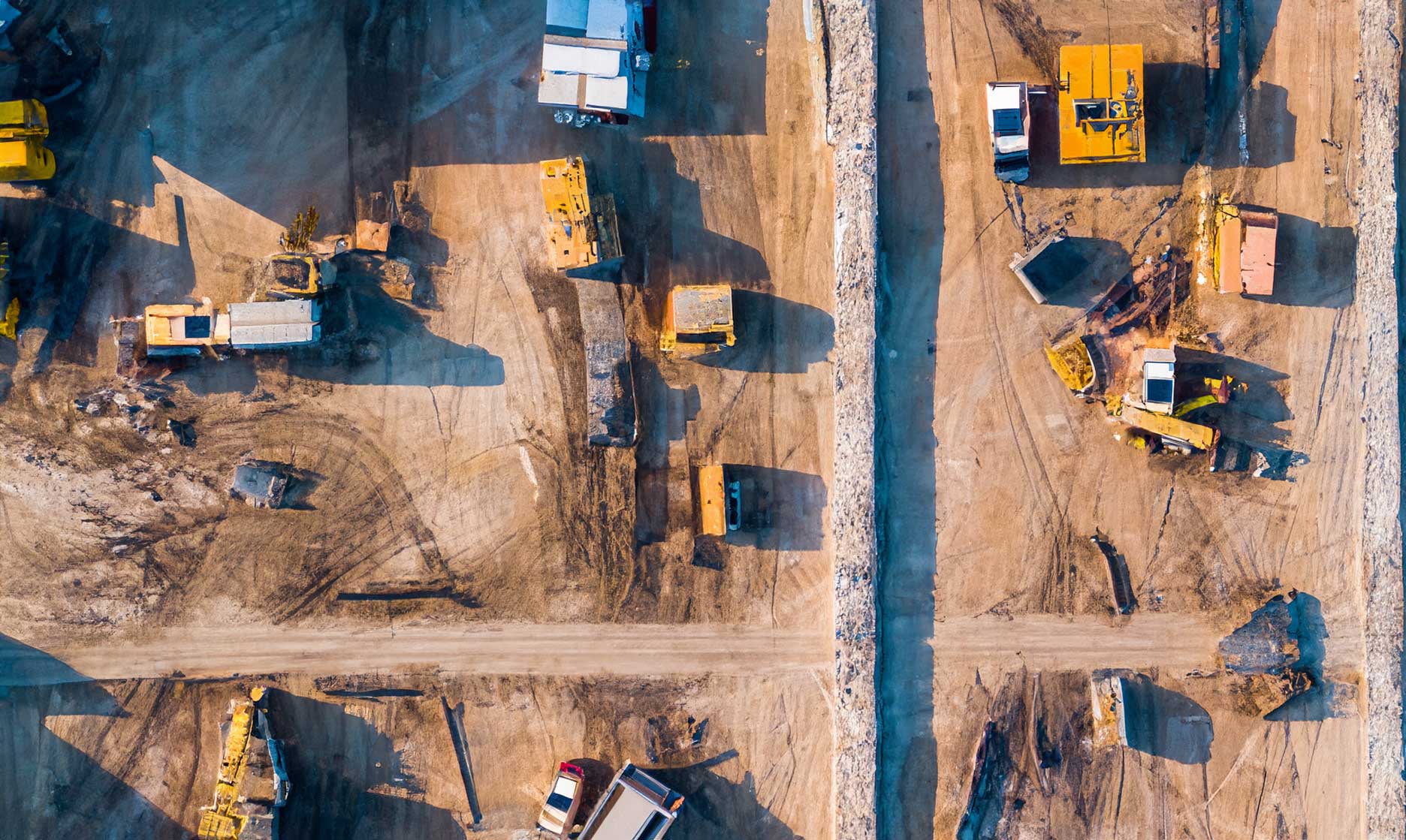
Map curbs, pavement edges, utilities, structures, and drainage features to support roadway design, utility layout, and infrastructure coordination.

Permitting & Documentation
Provide clear, standardized drawings for permitting packages, exhibits, and agency review—reducing back-and-forth and manual drafting time.
Construction Coordination
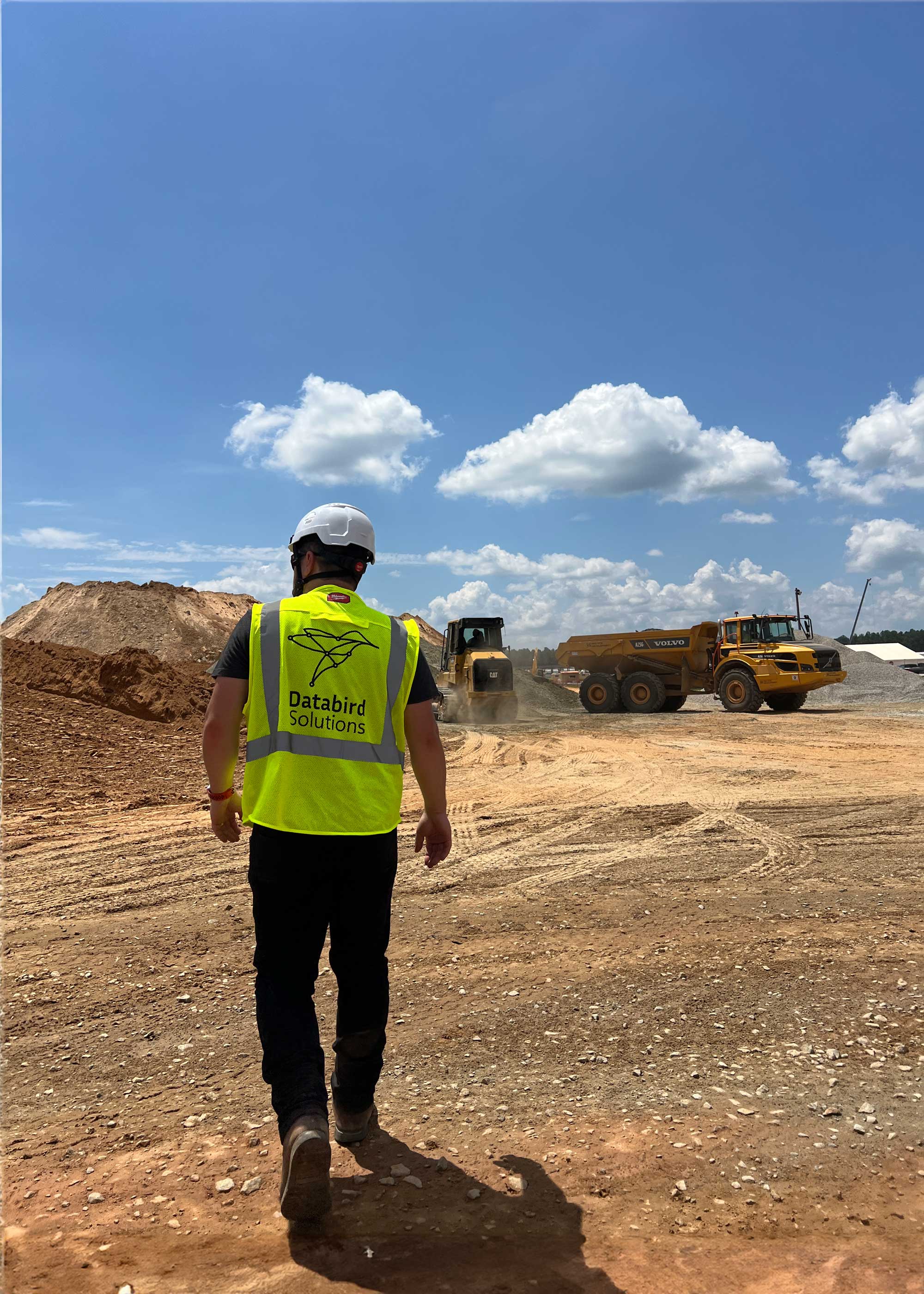
Support construction teams with accurate site references for layout, sequencing, and coordination between trades using consistent, up-to-date linework.
As-Built Verification & Change Detection
Compare planimetric features over time to verify constructed conditions, document changes, and validate work completed against design intent.
Planimetrics FAQs
Answers to common questions about planimetric mapping, accuracy, formats, and how vector data is used across design and engineering workflows.
How long does it take to receive planimetric data?
.svg)
What file formats do you provide?
What features can be included in planimetrics?
How accurate are planimetric deliverables?
What are planimetrics?
IT STARTS NOW
Transform your ideas into results
Share your vision with us, and we’ll create the path to make it real.
Thank you! Your submission has been received!
Oops! Something went wrong while submitting the form.